
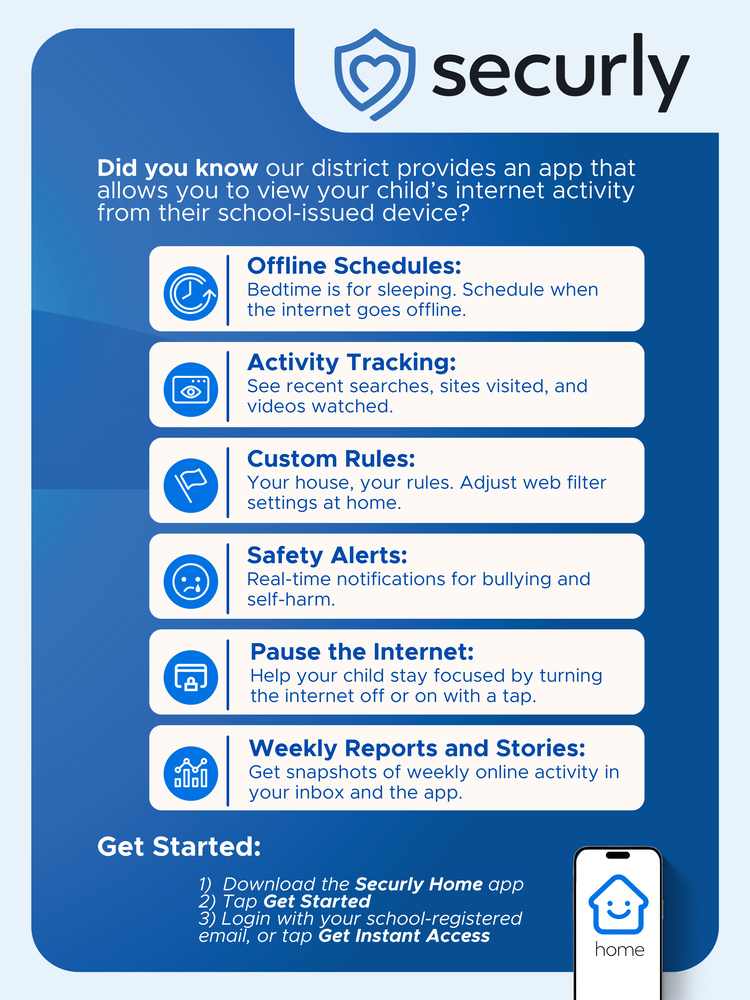
On Tuesday, Sept. 15, Uintah School District parents and guardians received an email inviting them to download the Securly Home app and create an account. This optional tool gives parents and guardians of USD students the ability to view their child's online activity on district-owned devices.
"Securly Home gives parents and guardians greater visibility into and control over their child's school-issued device, even when it's at home,” Support Services Director Mindy Merrell said.
“It's a valuable tool that helps families set healthy boundaries, stay informed, and partner with us to support safe and responsible technology use," she added.
The district has used Securly to monitor students' online activity on district-owned devices for the past three years. As outlined in device-use agreements signed during registration, all online activity on district devices is monitored for student safety. Securly Home extends this capability directly to parents and guardians.
What Securly Home Offers
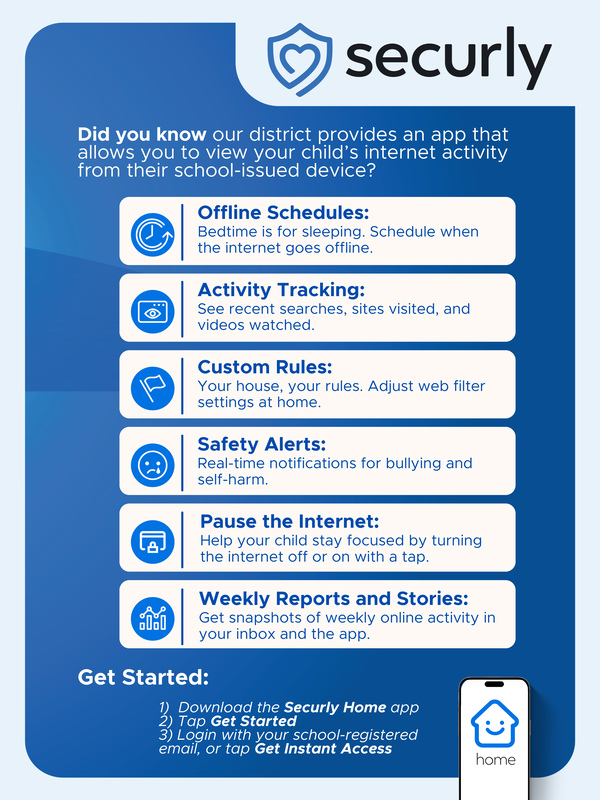
For parents and guardians who choose to enroll, Securly Home allows them to:
View their student's online activity on their school-owned device, including recent web searches, sites visited, and videos watched
Turn internet access to the device off and on to easily manage time spent online
Receive notifications when online activity is flagged for potential bullying, self-harm, or other concerning content
Set up weekly email reports for a snapshot of their student's online activity
The app offers multi-language support and will default to match the language settings on a user's device.
Enrollment is Optional
Securly Home enrollment is optional. Parents and guardians who prefer not to use the app can decline without any impact on their student's device access or district services. The monitoring applies only to district-owned devices; personal devices are not affected.
Getting Started
If the Securly Home invitation email doesn't arrive by 5 p.m. today, Wednesday, Sept. 16, please check your spam or junk folder. For questions about Securly Home or technical support, contact the Uintah School District Technology Helpline at 435-781-3111.